Adding social profiles
Instagram, LinkedIn, Facebook, TikTok, X, and more
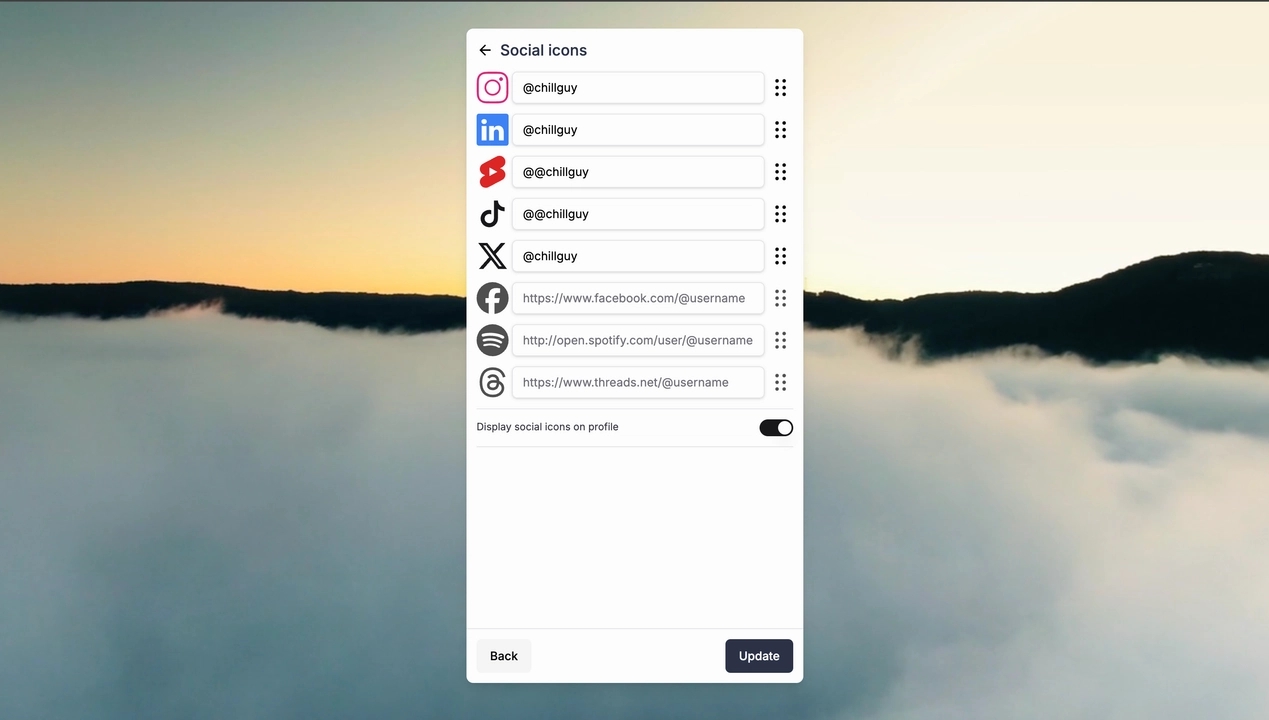
Steps to Add Social Profiles
Enter Edit Mode:
Navigate to your Onliweb dashboard and click Edit Mode.Add Social Profiles:
Select the Social Profiles section.
Enter the full URL or just your username for platforms like Instagram, LinkedIn, Facebook, TikTok, X (formerly Twitter), and more.
Customize Icon Order:
Drag and drop icons to sort the order in which they appear.
Highlight the most important profiles by placing them first.
Display or Hide Icons:
Choose which icons to display or hide based on your preferences.
Adjust Placement:
Move the social icons to appear at the top or bottom of your profile.
Save and Preview:
Changes are auto-saved. Use Live Mode to preview how your social icons will appear to visitors.